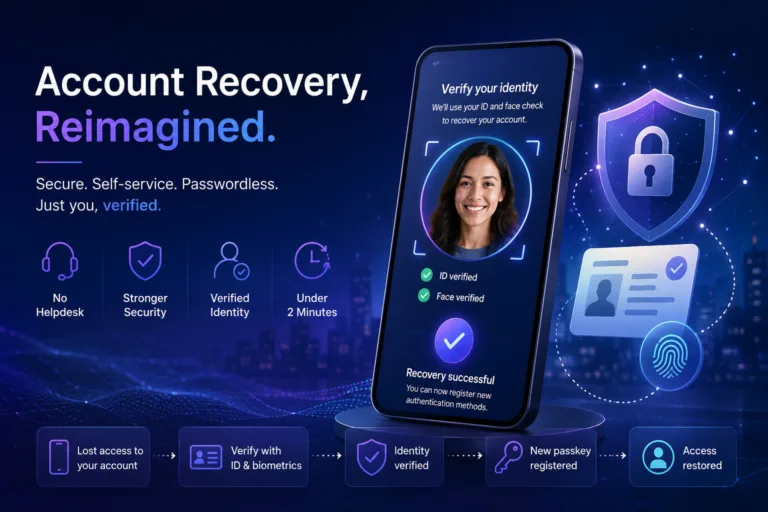
Microsoft Entra ID Account Recovery: The Missing Link in Passwordless Identity

Microsoft Entra ID Account Recovery explained with practical risks, governance impact and next steps for Microsoft security, identity and cloud teams.
Practical Microsoft security, identity and governance insights

Microsoft Entra ID Account Recovery explained with practical risks, governance impact and next steps for Microsoft security, identity and cloud teams.

Microsoft Entra Backup and Recovery explained with practical risks, governance impact and next steps for Microsoft security, identity and cloud teams.

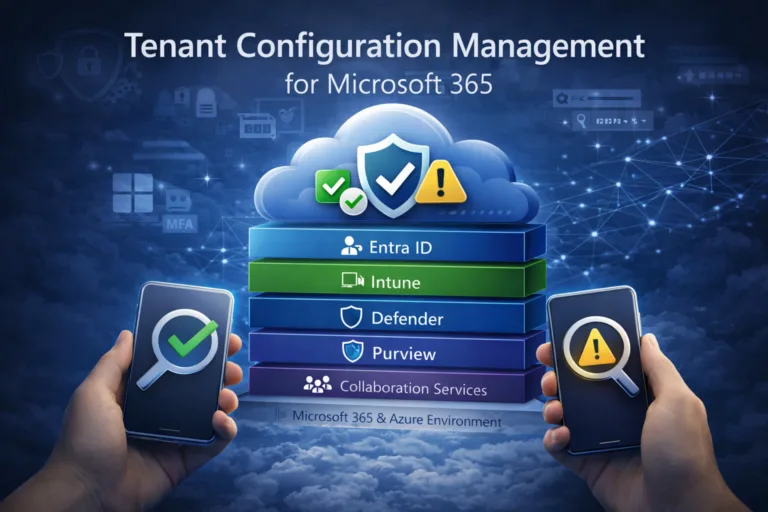
Microsoft is introducing Tenant Configuration Management as a native configuration governance layer for Microsoft 365. This article explores how continuous configuration monitoring, drift detection and baseline enforcement will reshape Microsoft security and compliance operating models.

Discover the game-changing 'Require Risk Remediation' control in Microsoft Entra Conditional Access. This preview feature simplifies risk management by handling both password and passwordless users in one policy, reducing complexity and misconfigurations. Get a step-by-step guide, real-world benefits, and pragmatic insights into its limitations for enhanced security.

Many organisations assume Microsoft Entra ID handles guest users securely by default—but it doesn't. In this post, we uncover the top 5 common mistakes in guest access management, from excessive directory visibility to perpetual access without lifecycle controls. Learn how to lock down your tenant with practical fixes, ensuring secure B2B collaboration without the risks.

A practical look at Microsoft’s Baseline Security Mode: what it does, where it helps, and how it supports essential cyber hygiene under standards like Cyber Essentials and NIS2.

Get ready for Microsoft Entra ID’s app consent changes starting 16 July 2025! This guide explains the new Microsoft-managed policy, how it impacts admins, and steps to avoid disruptions, including enabling the Admin Consent Workflow and auditing app permissions. Stay ahead with key dates and tips to ensure compliance and security.

Microsoft’s new OneDrive feature, launching in May 2025, lets users sync personal accounts on work devices—a convenience that could spell trouble for businesses. This opens the door to data leaks and compliance risks. Our post dives into these security concerns and offers IT administrators practical solutions using Group Policies and Intune. Learn how to lock down personal syncing and protect your organization’s sensitive data—read on to stay ahead of the threat!

Take control of SharePoint version history! This guide shows you how to set limits, cut storage (e.g., 1TB to 106GB), and enhance security for NIS2 compliance with easy steps and PowerShell tips. Optimize your site now—read on!

Microsoft is updating OneDrive retention policies starting 27 January 2025, offering organisations more flexibility while addressing compliance needs and storage concerns. Learn what’s changing, why, and how to prepare