Microsoft Entra memberOf Retirement: What Admins Should Check Before Dynamic Groups Stop Updating

Microsoft Entra memberOf retirement affects dynamic groups, access policies and licensing. Check what must be replaced before 3 November 2026.

Practical Microsoft security, identity and governance insights

Practical Microsoft security, identity and governance insights
Microsoft Entra memberOf retirement affects dynamic groups, access policies and licensing. Check what must be replaced before 3 November 2026.

Compare Microsoft 365 Baseline Security Mode, Secure Score and tenant governance. Learn where CIS Controls and NIS2 fit, and which BSM controls need impact review.

Microsoft Entra SMS and voice MFA retirement is coming. Learn when to use passkeys, Windows Hello for Business, QR code sign in and Temporary Access Pass.
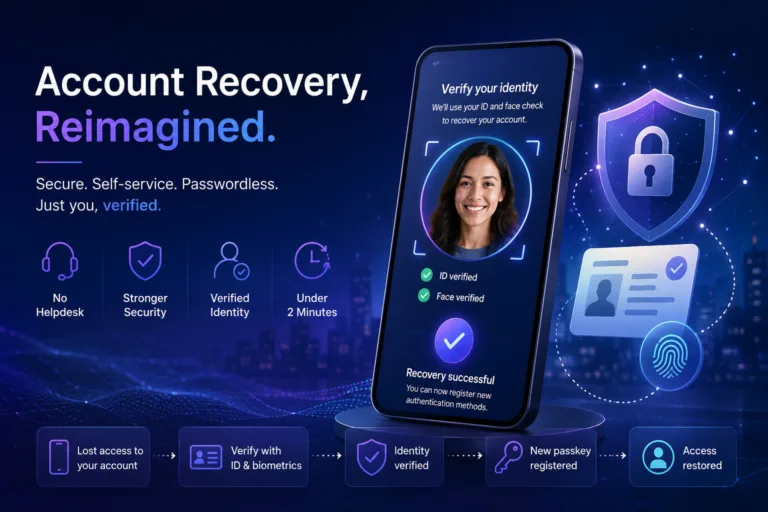
Microsoft Entra ID Account Recovery explained with practical risks, governance impact and next steps for Microsoft security, identity and cloud teams.

Microsoft is automatically enabling passkeys in Entra, accelerating the shift to passwordless authentication. This technical deep dive explains configuration, device sync behaviour and best practices for deploying passkeys securely with Conditional Access.

Conditional Access is the backbone of Zero Trust in Microsoft Entra ID, yet real world attacks increasingly demonstrate how it can be bypassed. From device and token abuse to built in exclusions and misunderstood session controls, attackers exploit gaps that many organisations assume are protected.
Triggered by Microsoft’s upcoming change in February 2026, where session revocation will finally behave as expected during incident response, this blog analyses observed Conditional Access bypass techniques from real incidents in 2024 and 2025. More importantly, it explains why a strong security baseline is essential to compensate for what Conditional Access was never designed to solve alone.

Discover the game-changing 'Require Risk Remediation' control in Microsoft Entra Conditional Access. This preview feature simplifies risk management by handling both password and passwordless users in one policy, reducing complexity and misconfigurations. Get a step-by-step guide, real-world benefits, and pragmatic insights into its limitations for enhanced security.

Many organisations assume Microsoft Entra ID handles guest users securely by default—but it doesn't. In this post, we uncover the top 5 common mistakes in guest access management, from excessive directory visibility to perpetual access without lifecycle controls. Learn how to lock down your tenant with practical fixes, ensuring secure B2B collaboration without the risks.
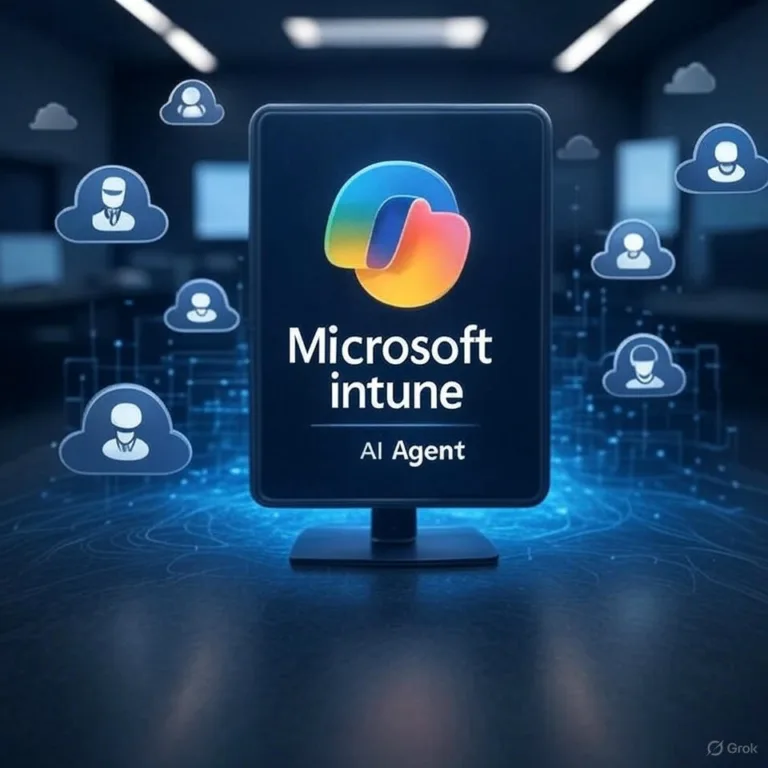
Every IT professional knows the struggle: an Intune notification pings with a vague error code or cryptic alert about a device compliance issue, failed update, or potential security threat. You're left scratching your head, wondering, "What does this even mean?" These unclear messages can bury critical issues, like non-compliant devices or malware risks, in a flood of noise. Imagine if those alerts came with clear, human-readable explanations and actionable steps.

A critical flaw in Microsoft’s OneDrive File Picker could allow third-party apps to access files across Microsoft 365 tenants without user interaction. Learn what happened, the risks involved, and how your organisation can stay protected.