Entra Tenant Governance: How It Works in Practice
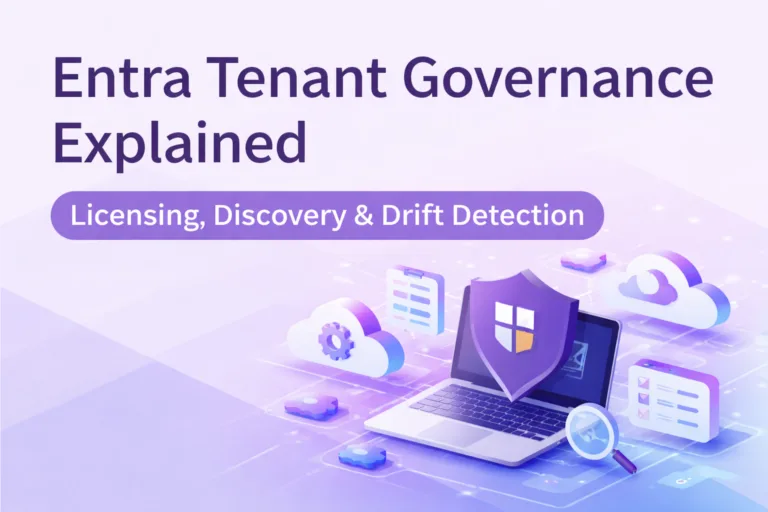
Entra Tenant Governance explained with practical risks, governance impact and next steps for Microsoft security, identity and cloud teams.

Practical Microsoft security, identity and governance insights

Practical Microsoft security, identity and governance insights
Entra Tenant Governance explained with practical risks, governance impact and next steps for Microsoft security, identity and cloud teams.
Every IT professional knows the struggle: an Intune notification pings with a vague error code or cryptic alert about a device compliance issue, failed update, or potential security threat. You're left scratching your head, wondering, "What does this even mean?" These unclear messages can bury critical issues, like non-compliant devices or malware risks, in a flood of noise. Imagine if those alerts came with clear, human-readable explanations and actionable steps.
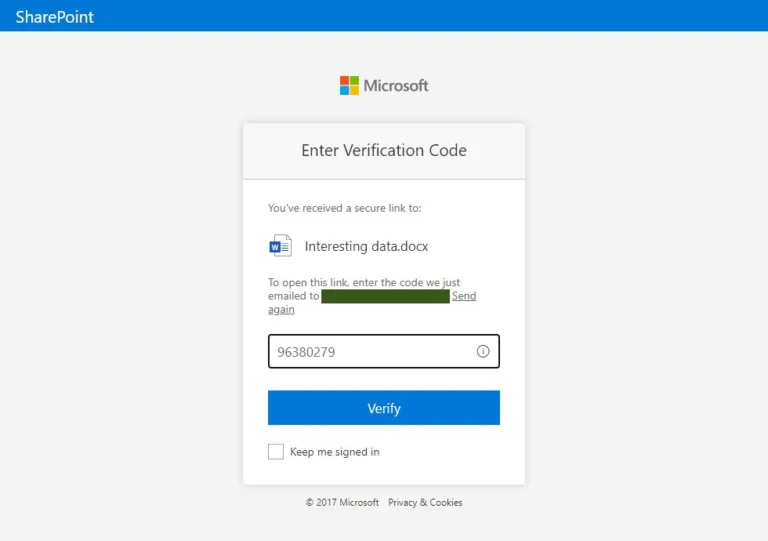
Microsoft is phasing out One-Time Passcode (OTP) authentication for SharePoint Online and OneDrive external sharing, replacing it with Entra ID B2B Collaboration, effective July 1, 2025 (MC1089315). Legacy OTP links will stop working, requiring users to re-share content to restore access for external collaborators, who must also register for mandatory MFA. Prepare now by notifying users, updating documentation, auditing shared content, and ensuring Entra ID B2B settings are configured. This shift enhances security but demands proactive planning to avoid disruptions.
As Artificial Intelligence (AI) transforms industries with unparalleled innovation, it also brings serious security risks like data leaks and malicious attacks. A staggering 57% of organisations report rising AI-related incidents, yet 60% lack basic controls. This blog explores the top AI threats, including data exfiltration and malicious prompt injection, and outlines a Zero Trust framework to secure your AI initiatives. Discover powerful tools, from data governance to threat protection, to safeguard your data and ensure compliance in 2025. Don’t let AI become a security wild west—learn how to innovate safely today.

Discover how to strengthen your Microsoft 365 auditing strategy in this practical guide. Learn the strengths and limitations of the Unified Audit Log (UAL) and explore actionable steps to go beyond its basics—using Audit (Premium), SIEM integration, PowerShell automation, and more. Perfect for IT professionals aiming to boost security and compliance with advanced auditing techniques. Start building a robust setup today!

Discover Windows Recall, the AI-powered Windows 11 feature sparking security debates. Learn about its rocky start, the April 2025 updates addressing privacy concerns, and critical risks for CISOs. Get a step-by-step guide to manage it with Intune and ensure NIS2 compliance. Is your enterprise ready to balance innovation with data protection? Read more!
Discover how to implement Microsoft Defender for Cloud’s dedicated Defender for Servers plan to secure your server workloads across on-premises, hybrid, and multi-cloud environments. This guide explains why Defender for Cloud is the superior choice over Defender for Endpoint for server security, offering advanced threat detection, compliance monitoring, and streamlined management. Follow our step-by-step instructions to onboard servers, configure policies, and set up vulnerability assessments for both Windows and Linux systems, ensuring robust protection against evolving cyber threats.

Unlock the power of Microsoft Sentinel with this comprehensive guide featuring 25 essential KQL queries for potent threat detection. In this post, you'll discover expertly crafted queries designed to identify a range of adversary tactics—from password spraying and suspicious PowerShell executions to unusual login patterns and obfuscated scripts. Whether you're looking to refine your current security operations or embark on a new journey with Sentinel, this guide offers practical insights, customisation tips, and real-world scenarios to help you stay ahead of evolving cyber threats.

In an era where sophisticated cyber threats and performance demands converge, Microsoft Defender Antivirus (MDAV) rises to the challenge with advanced hardware acceleration. By integrating Intel Threat Detection Technology (TDT), MDAV enhances endpoint protection while maintaining efficiency. Features like Accelerated Memory Scanning and Cryptojacking Detection offload resource-intensive tasks to the GPU, ensuring robust security without straining system resources.
Explore how to optimise these cutting-edge features using Microsoft Intune, from enabling Intel TDT and File Hash Computation to deploying best practices for consistent performance and protection. This guide is your roadmap to leveraging hardware-accelerated cybersecurity in a futuristic, secure IT environment.

Effective cloud governance is critical in today’s digital landscape. Organisations must tackle risks, ensure compliance, and design resilient architectures to meet directives like NIS2. This guide outlines six essential steps to achieve robust cloud governance using Microsoft tools like Azure Service Health, Microsoft Defender for Cloud, and Azure Backup. From mitigating concentration risks to preparing exit strategies, learn how to enhance your governance framework and protect your operations.